Your day and your money, in one app.
Daily goals, meds, bills, to-dos, gym, recipes, health and a calendar with public holidays — all together, all on your phone, no accounts and no ads.
The app that replaces five apps. No sign-up: install it and use it.
Features
Everything you kept in five apps, in one.
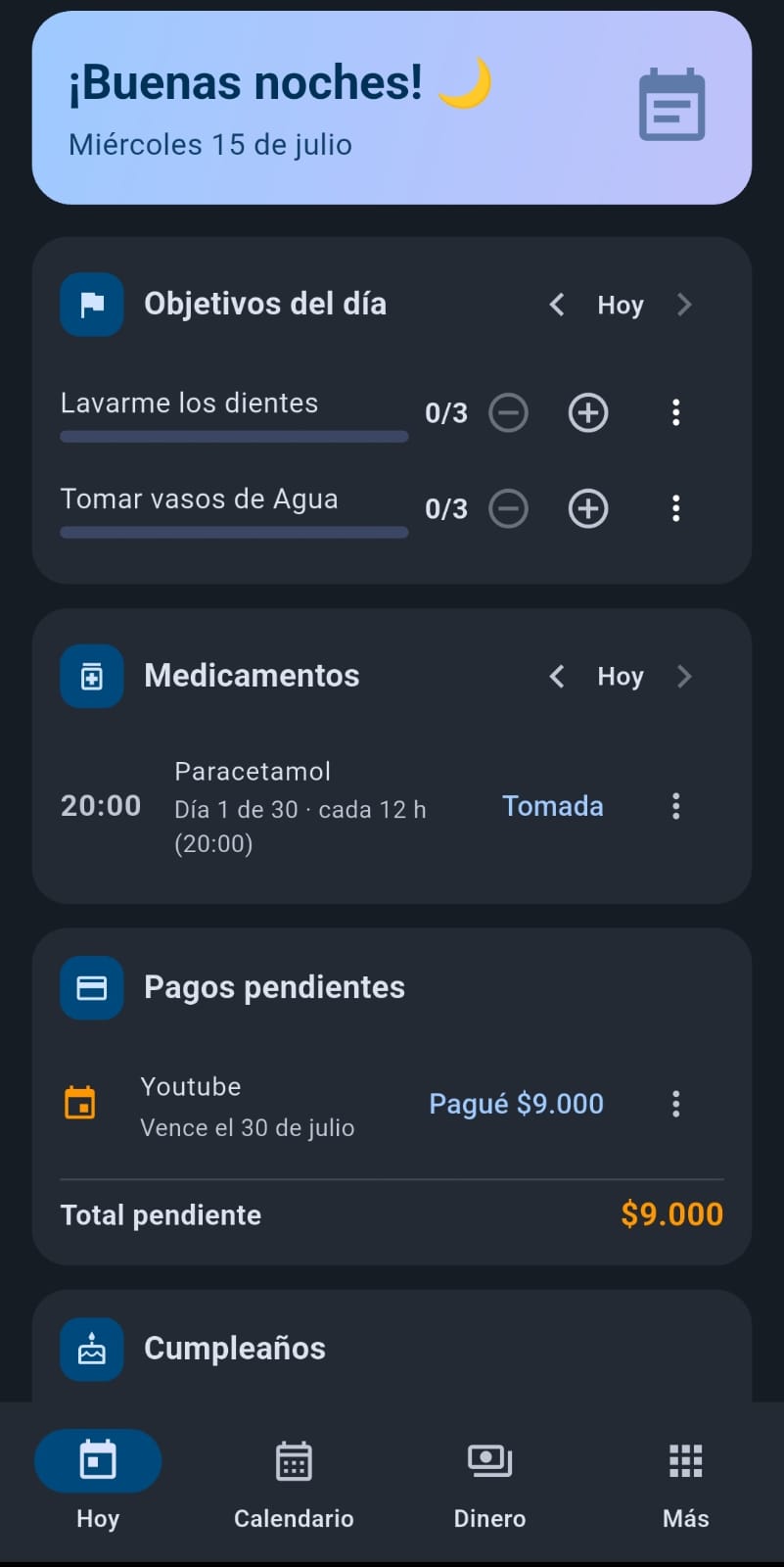
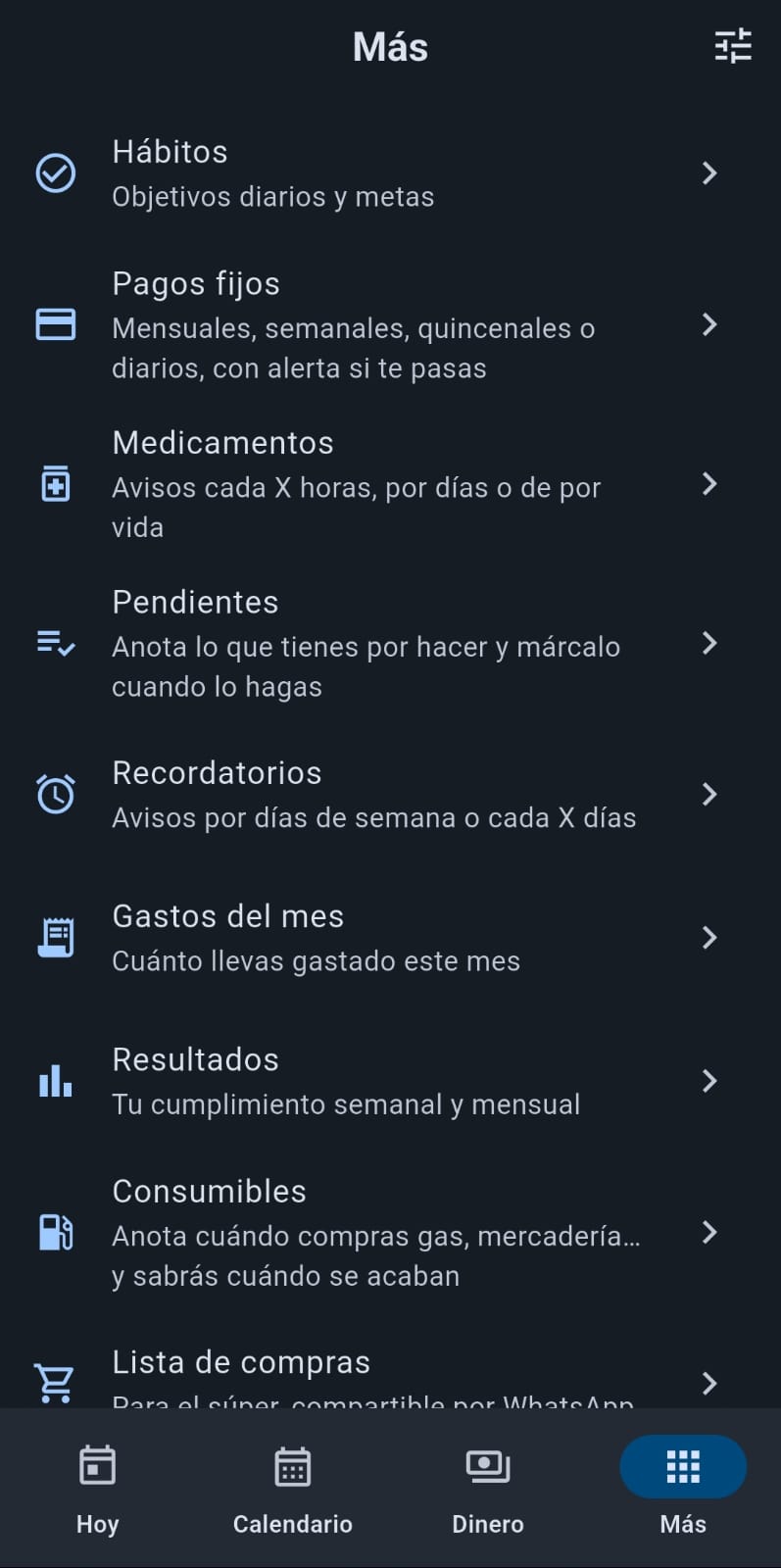
Tu Agenda brings your goals, meds, money, to-dos, gym, recipes and health into a single place, so nothing slips through.
Hit your goals
Daily goals with counters, streaks and stats. Forgot to log yesterday? Add a "+1 from yesterday".
Never miss a med
Reminders every X hours or at a fixed time, treatments by days or for life, and your adherence % in reports.
Know what's left
Income, expenses, recurring bills, debts, savings and an end-of-month projection. With an alert if you overspend.
Real to-dos
Color-coded priority, status and due dates. Overdue items turn red and everything sorts itself.
Shopping that reminds you
A shareable grocery list, plus consumables that learn how often you run out of gas or cat food.
Birthdays & days off
Birthdays that repeat every year, and your work days off with a yearly counter: "used 3 of 15".
Your gym, logged
Routines by weekday with their exercises, sets, reps and weight, plus every session you log and your personal record. Share one and whoever has the app imports it whole.
Recipes at hand
Ingredients, step-by-step instructions and favorites. Send the ingredients to your shopping list in one tap, without duplicating what you already had.
Track your weight
Your weight over time with a chart, BMI, a target and how much you lost this week. Optionally your waist too. A personal log, not a diagnosis.
Make it yours
9 colors, light or dark theme, and you choose which sections you see and in what order. Try a color right here →
Calendar
One calendar with everything. Even holidays.
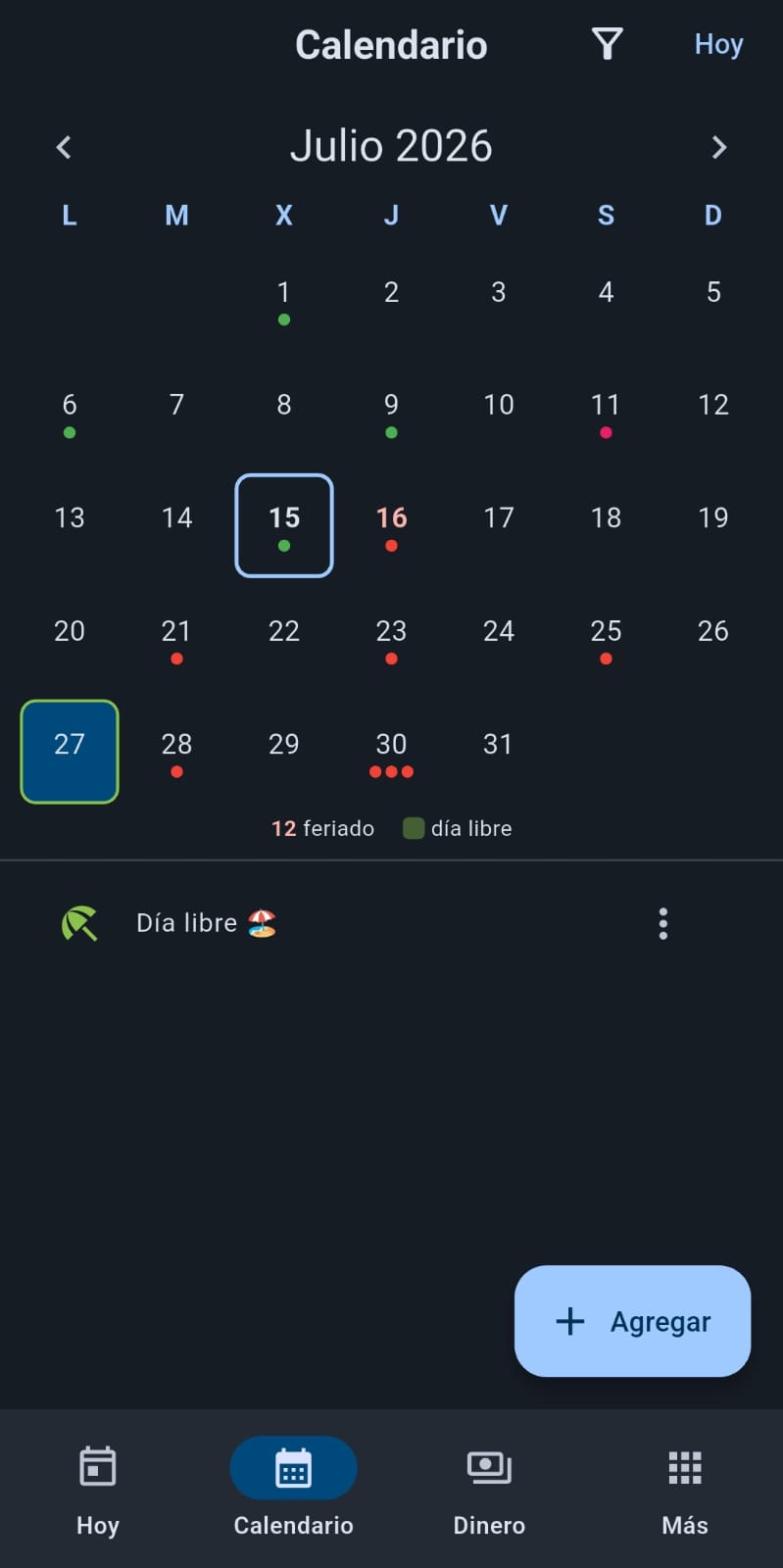
Activities, bills, meds, birthdays and to-dos in a single monthly view, with color dots per category.
Your country's holidays in red, like a wall calendar. 16 countries across the Americas and Europe, downloaded once a year.
Your days off in green, with a yearly counter of how many you have left.
Act right there: mark done, edit or delete straight from the day.
Widget
Your day on the home screen, without opening the app.
The widget shows your real items by category: goals with their check, to-dos with their priority color, bills with amounts and upcoming birthdays.
- tuneYou choose which categories appear
- opacitySolid or transparent background
- syncUpdates itself whenever something changes in the app
Yours and no one else's.
All your data lives only on your phone: no accounts, no cloud, no trackers. Lock the app with a PIN or your fingerprint, and export a backup anytime to keep wherever you decide.
Read the privacy policy arrow_forwardFrequently asked questions
Is it free?
Yes, fully — no ads and no in-app purchases.
Do I need an account?
No. Install it and use it. No sign-up, email or password.
Where is my data kept?
Only on your phone. You can export a backup anytime and keep it wherever you decide (Drive, email, WhatsApp).
Does it work offline?
Yes, everything. Internet is only used to download your country's holidays once a year — and it's optional.
Is it in my language?
Spanish and English. It follows your phone's language or you pick one manually.
What about iPhone?
Android only for now (5.0 or later).